|
January 2026 Featured Software |
| Submitted February 10, 2026 by Dan Delong |
Productivity aids come in many forms. This one creates a small dock on the edge a screen, that displays animated icons to programs, widgets, or files. Particularly, those you wish to access frequently. It often saves steps by bringing up these items with just one click. [Icons, dragged to the taskbar (within Windows) can behave this way too - with one click.] WinStep adds some eye-candy to the desktop, along with some supplementary features. Performance and RAM will take a small hit Installation files end up here: C:\Program Files (x86)\Winstep On 'first run' of WinStep, these (see below) default icons showed up. Left clicking activates the icon. Hovering brings up context. Right clicking brings up more options.
Figure 1: First run icons, behave like Mac ribbon icons - enlarging on mouse-over.
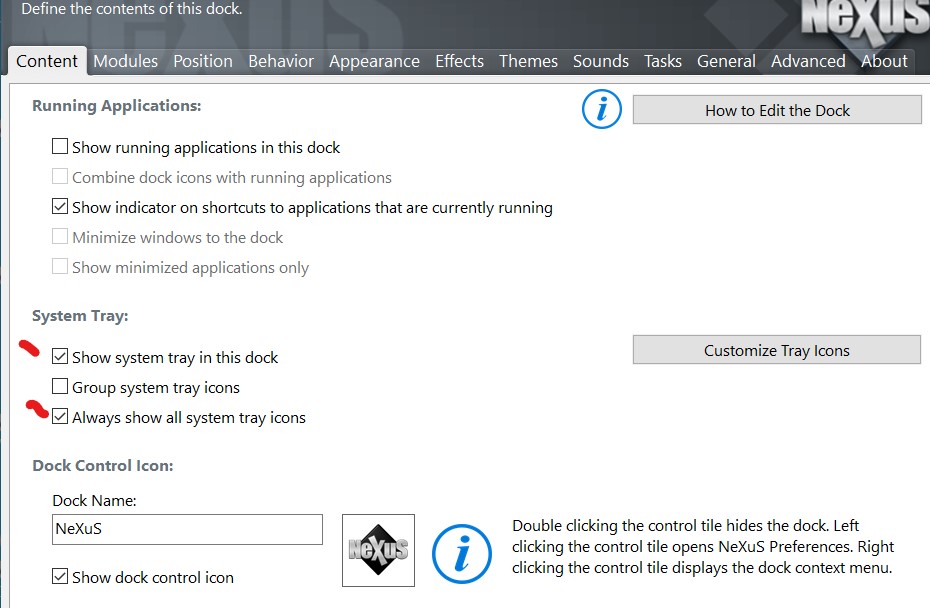
Selecting the two check boxes (indicated above) added many more modules to the dock.
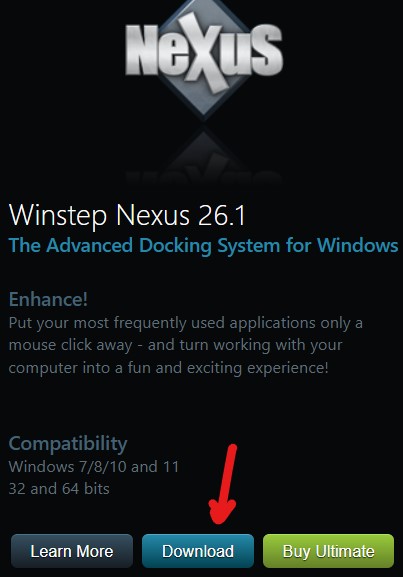
The non-free Ultimate version adds more features, as shown on the download page, including extra modules - specifically, calendar, battery monitor, moon phases, and disk meter. The free version still includes clock alarms and a task scheduler. Positioning the dock is achieved by dragging, or by specifying a position through the interface. [To my surprise, the laptop speakers spoke the time, on the hour, every hour. (It can be disabled.) This reminded me to look away from the screen and change the TV channel.] [Be careful accessing the download link, else you may end up on the "Buy Now" page. The download link should look like this.]
System requirements: Platform: WinXP / Vista / 7 / 8 / 10 / 11 Version: 26.1
Language: English, and possibly German Download Size: 40 MB zip Installed Size: ~60 MB Licence:FREE [but for the Ultimate version, 32 and 64 bit ($ 30 USD), with nested, drop-down, docks] Rating: Download Site here. |