Submitted
March 15, 2026
by Dan Delong |
Windows Maintenance Tool
This program is small, yet powerful, because it has been built entirely in Batch and PowerShell.
Hence, some tools are just shortcuts opening up hard to find Windows windows.
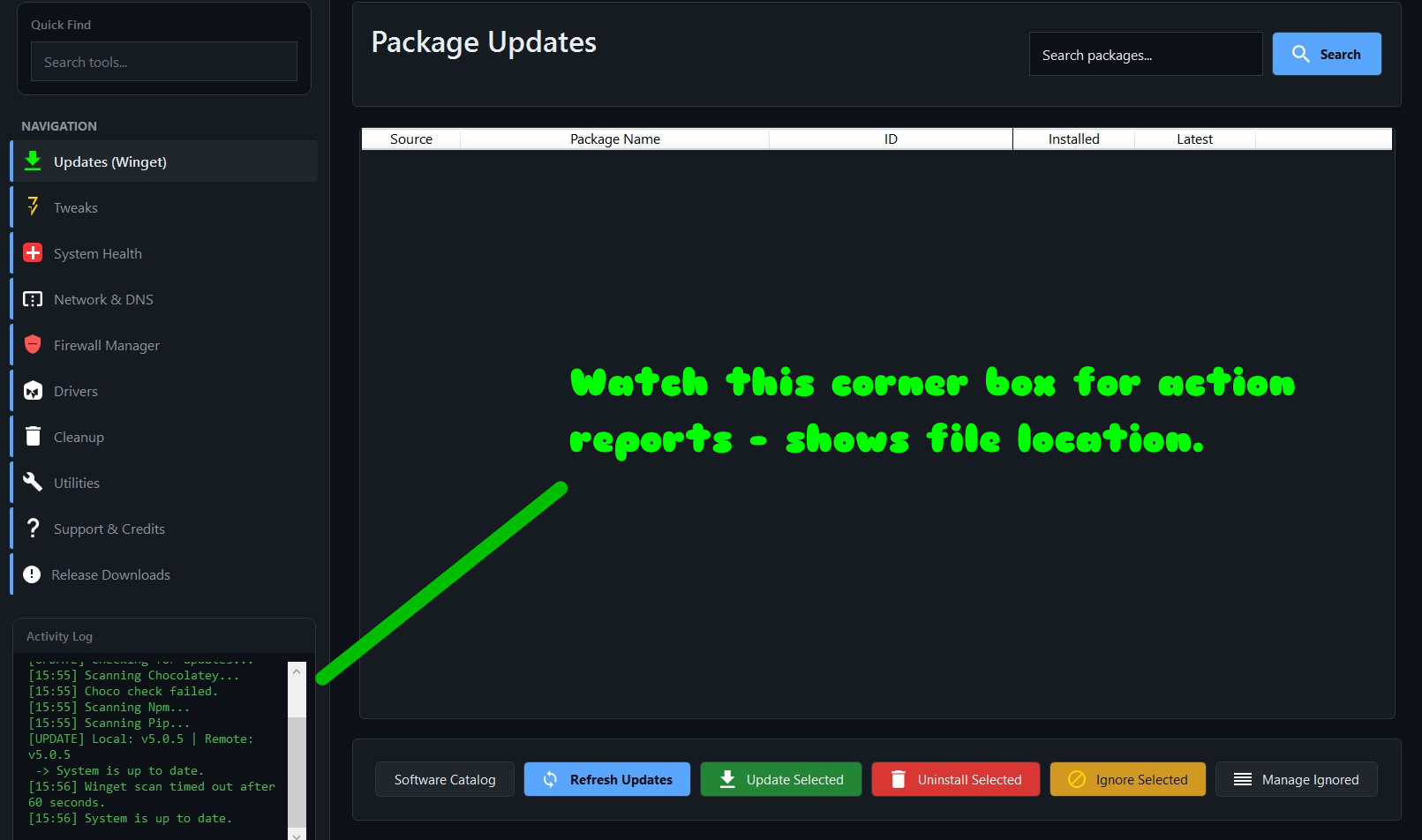
Figure 1: Main screen after update to latest version 5.0.5
Menu items are:
- Updates: (Winget) to install updates to already installed programs,
- Tweaks: to remove bloatware, control hibernation, control superfetch, control compression, and access to many optional Windows features.
- System Health: will do Diskcheck, DISM, and SFC scans.
- Network DNS: can repair Wi-Fi, Flush DNS, show Route Table and IPconfig, along with switching to other popular DNS servers, and hosts file manager, with ad blocker.
- Firewall Manager: select and set inbounds and outbounds allowed.
- Drivers: shows them all, or a subset (in the data folder under a file - installed_drivers.txt) and offers to clean up, including disconnected PnP devices, called "Ghost Devices".
- Cleanup: for Recycle Bin, Temp files, Shortcuts, Registry, and Xbox Data.
- Utilities: System Info Reports makes list of all or some drivers, network and system (including all KBxxxxx hotfix files), run Trim on SSDs (new), activation scripts and tasks from Microsoft, along with customized right clicks, and more.
- Support and Credits: self described, along with setting light or dark mode.
- Release Downloads: count of total downloads - assumed to be from Older Geeks and GitHub
|
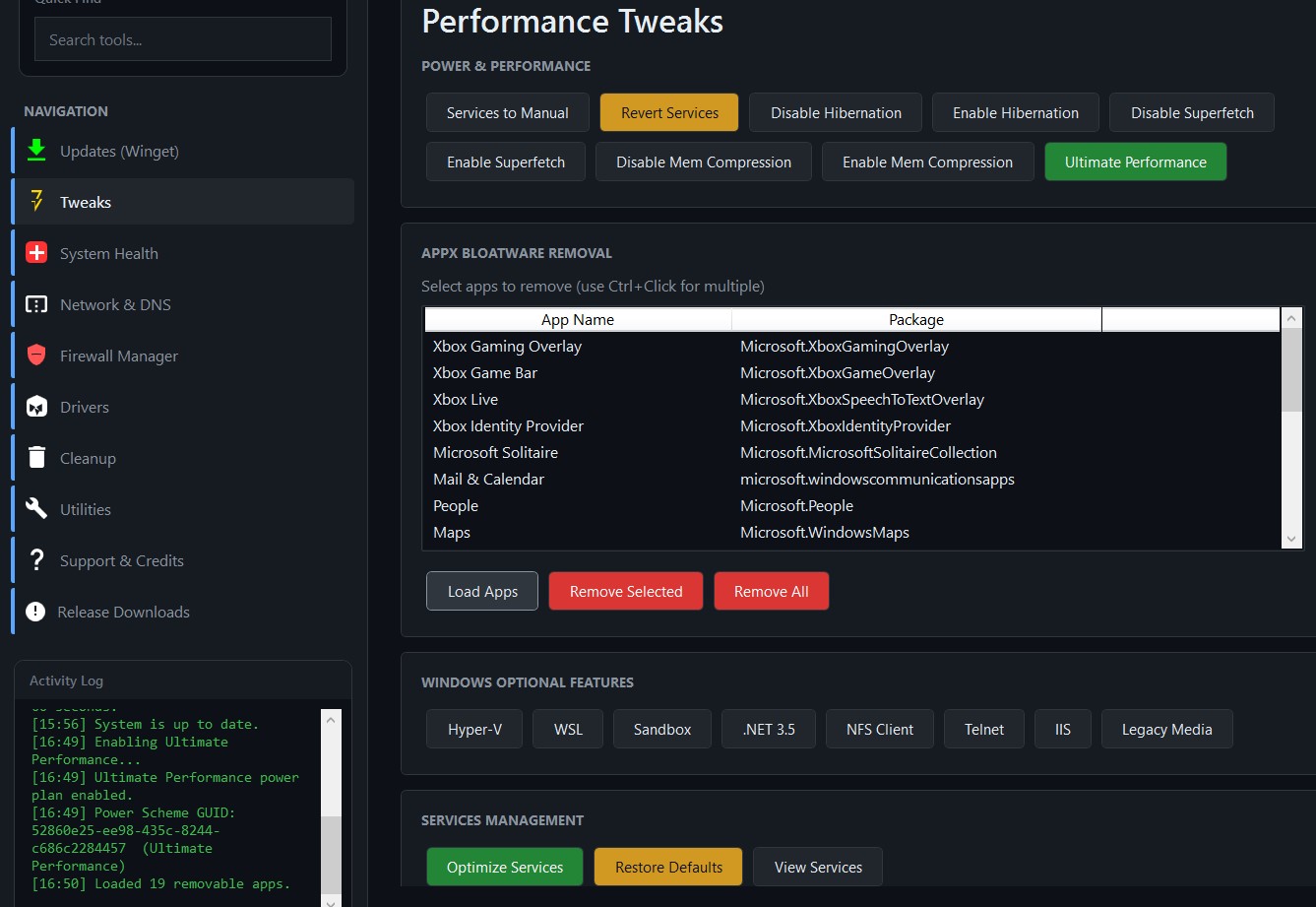
Figure 2: Bloatware Removal Tool example.
System requirements:
Platform: Windows 10 / 11
Version: 5.0.5
Language: English
Download Size: ~85 KB
Installed Size: ~400 KB - 1000 KB depending on size of expanding data folder.
Licence: FREE but can contribute $$$
Rating: 
Download Site here.

|
